About
This project takes the excellent CYD-Klipper firmware and optimizes it for the Snapmaker U1 (4 hotends + heated chamber). The stock landscape UI is replaced with a purpose-built portrait interface: animated state illustrations, a file browser with thumbnails, and large touch-friendly controls.
Questions, feature requests, or bug reports? Open an issue on GitHub or reach out — happy to help.
Hardware requirements
- Display: CYD 2.8" — ESP32-2432S028R (no PSRAM variant)
- Printer: Snapmaker U1 running Klipper + Moonraker (port
7125) - Network: 2.4 GHz Wi-Fi (display and printer on the same network)
- Slicer: OrcaSlicer / Snapmaker Orca with
32x32thumbnails enabled for preview images
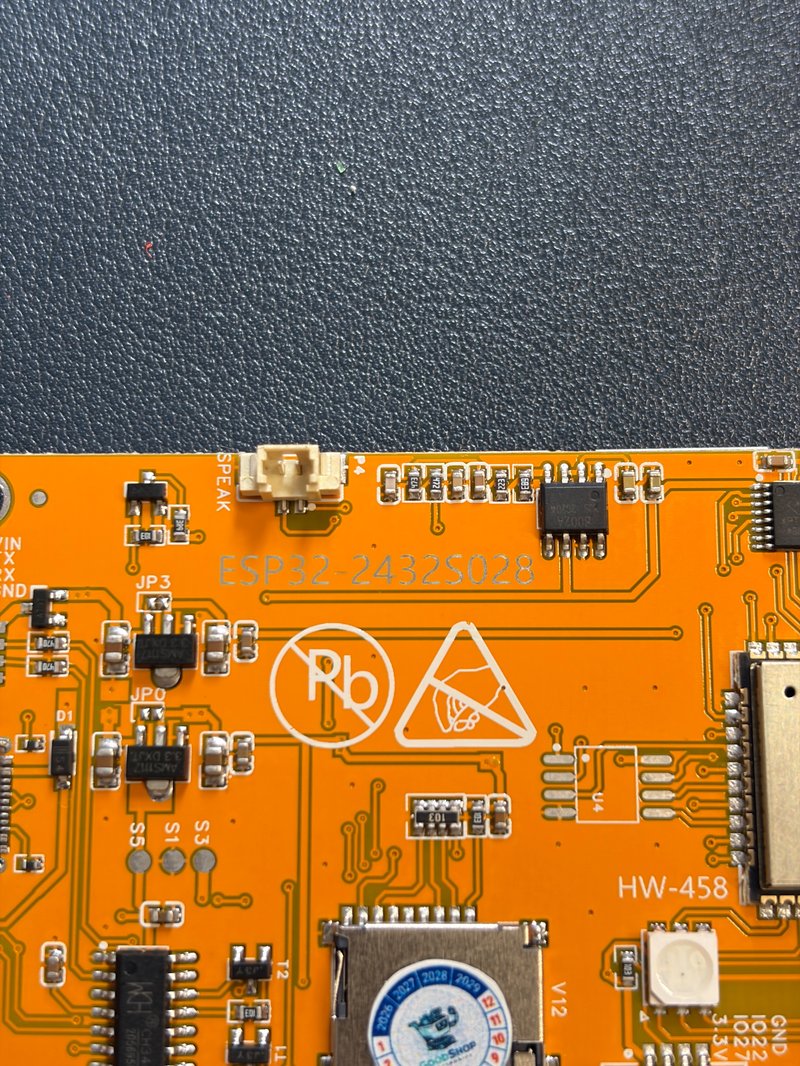
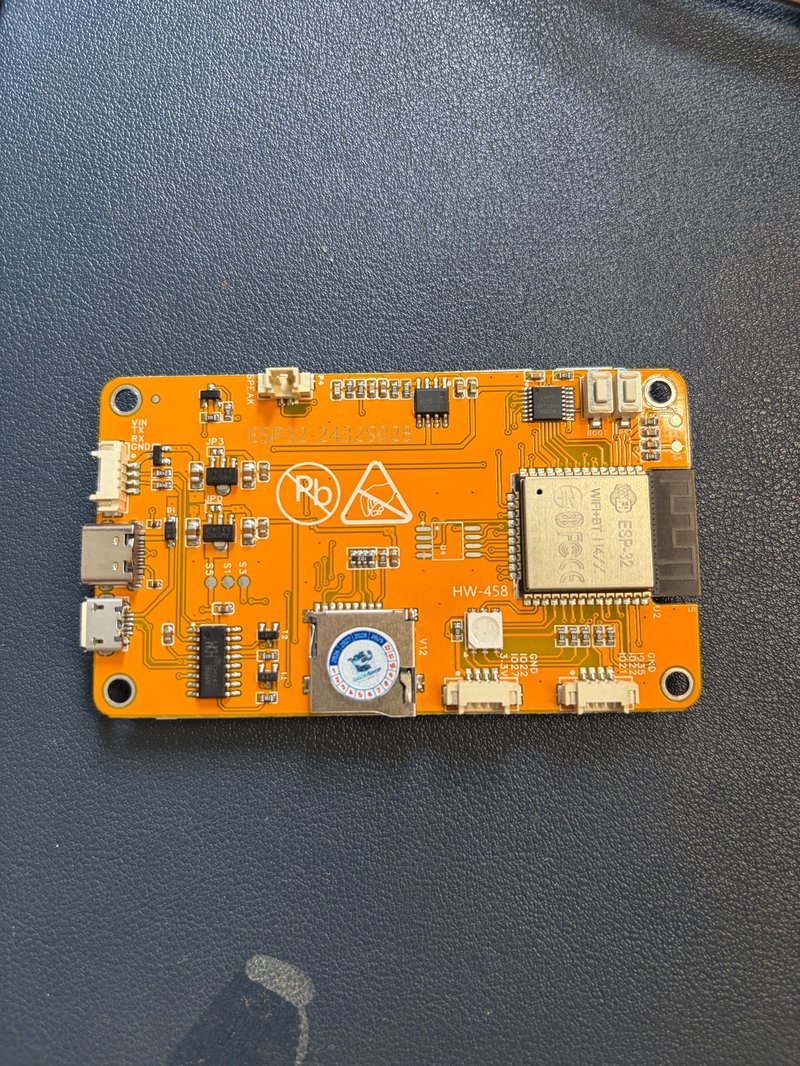
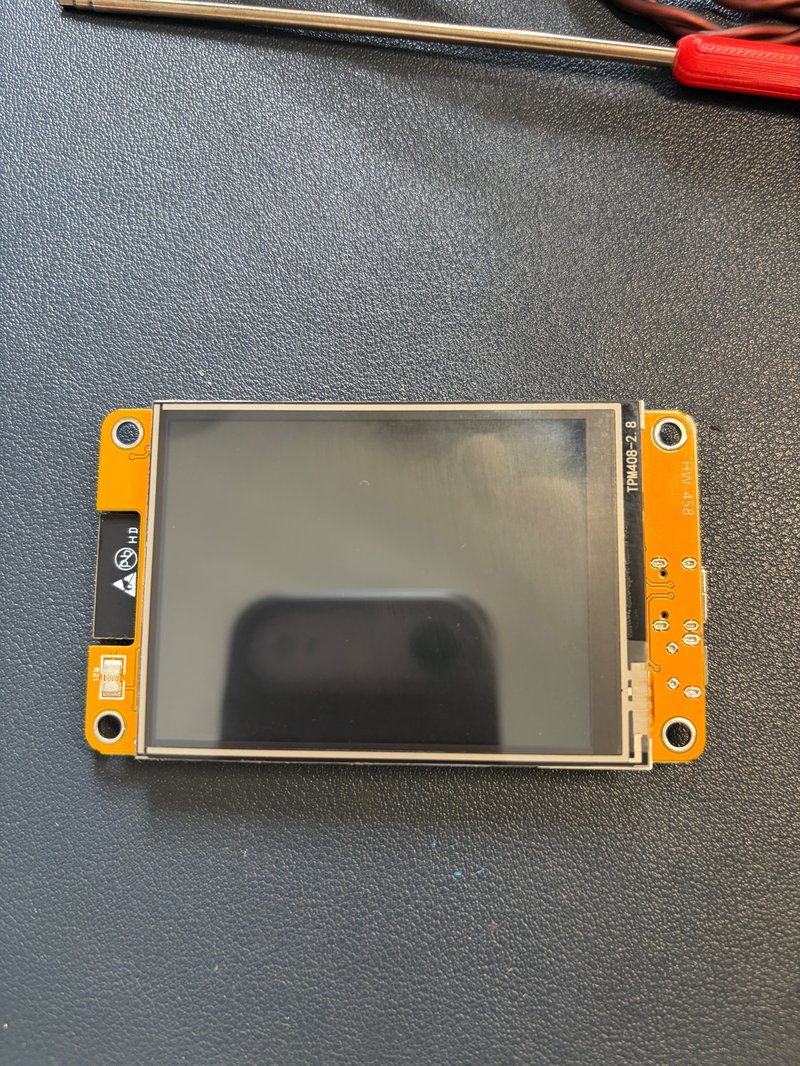
ESP32-2432S028R board — front, back, and detail views.
Common questions
Which display does this firmware use?
The 2.8" CYD — ESP32-2432S028R (240×320, resistive touch). Use that exact model; other boards are not supported by this build.
Does it work on the Snapmaker U1?
Yes — it was built and tuned for the Snapmaker U1 (4 hotends + heated chamber). Single-extruder printers simply show -- for the unused slots.
Does it work with other printers?
Yes — any printer running Klipper + Moonraker (Voron, Ender 3 with Klipper, Prusa with Klipper, Elegoo Neptune 4, …). Enable Moonraker on port 7125 and use the display's auto-scan to connect.
Is there a bigger-screen version?
Not yet — a 3.5" CYD (ESP32-3248S035, capacitive-touch C variant, ~$15–20) is being evaluated. The current layout is designed for 2.8" 240×320, so it needs resizing first. Expected price well under $40.
Will there be notification sounds?
Yes — a version with a small chime when a print starts and finishes (Bambu Lab style) is in development.
How much does it cost? Can I buy one?
This is a hobby project, not a product — the firmware is free, and I don't sell displays. Flash it yourself with the installer above.
Black screen after flashing from the website?
The web installer now erases the display automatically and flashes the complete image (bootloader + partitions + firmware) — a skipped erase with an incomplete flash was the cause. If you flashed before this fix, just run the web installer again.
Boot loop — console repeats invalid header: 0xffffffff?
Your board is not damaged, and dual-USB (micro USB + USB-C) CYD boards are supported. This was an installer bug: older v1.1/v1.2 manifests wrote only the app firmware, so after an erase the chip had no bootloader or partitions to boot from. All manifests were fixed and verified on 2026-10-12 — just run the web installer above again; it erases automatically and writes the complete image, and the board comes back to life. No special tools needed.
Touches land in the wrong place / keyboard hits the wrong keys?
Redo the touchscreen calibration: with the display powered on, hold BOOT for 8 seconds, release, then tap the two crosshairs as precisely as you can. The first boot after every web flash asks for this — tap carefully, small keys need it.
How it works
The display connects to Moonraker over Wi-Fi and mirrors the printer's state in real time. The screen automatically switches illustration and layout per state:
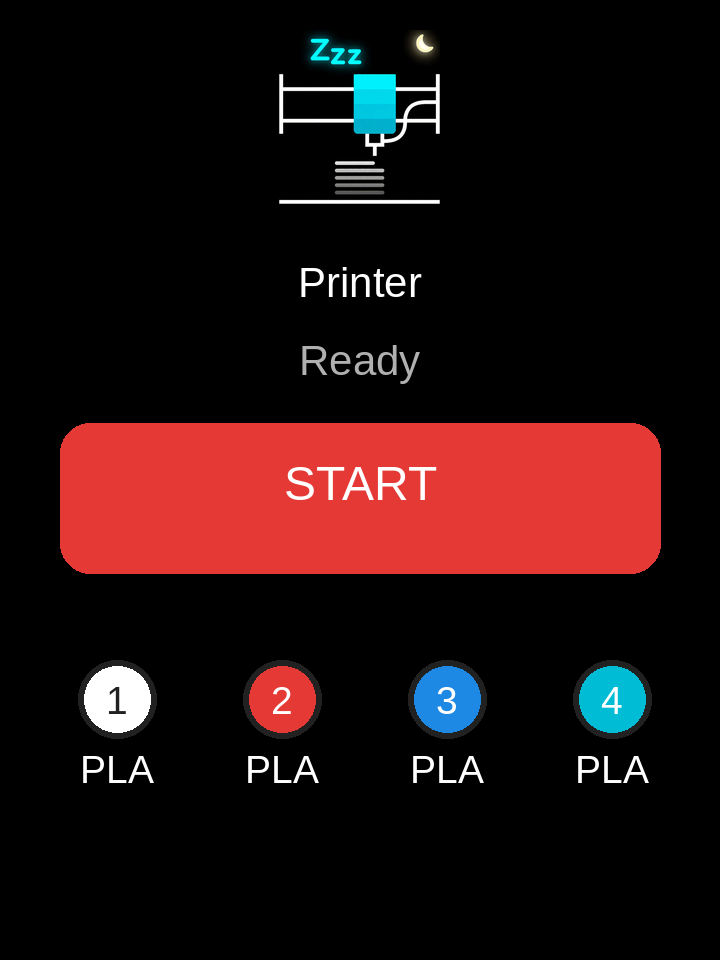
Idle / Ready
Dark sleeping screen with a calm moon animation. Tap START to browse .gcode files stored on the printer — each with its thumbnail — then confirm to print.
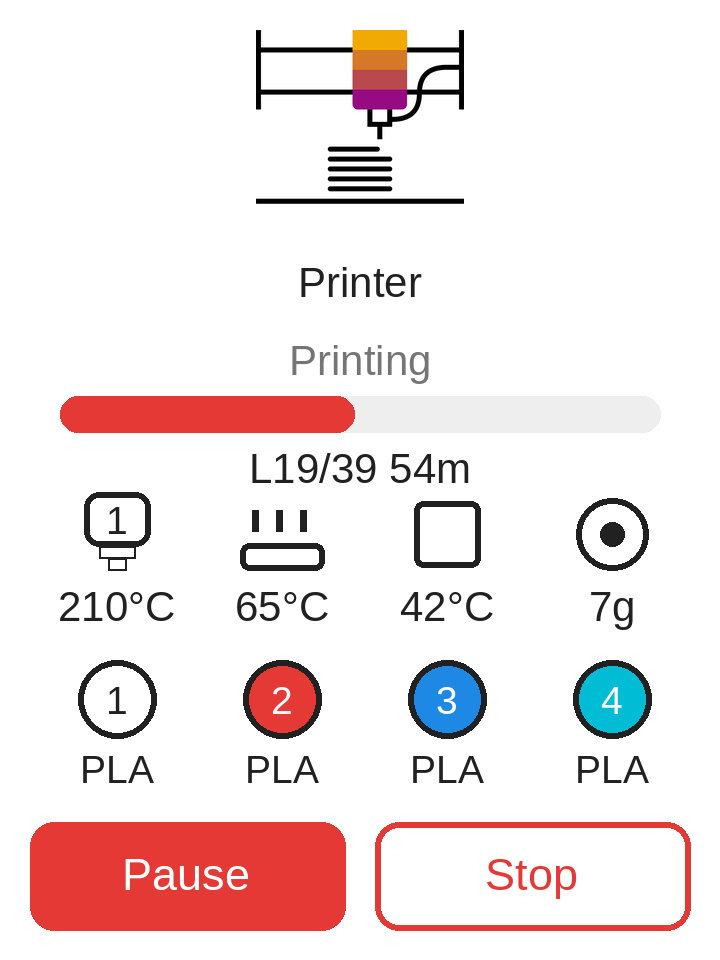
Printing New in v2.0
Animated printer illustration, live progress bar, current/total layer, and remaining time. A compact dashboard shows the active hotend (its icon tinted with the printing filament's color), bed and chamber temperatures, and filament used so far in grams. Below it, a filament row shows the color and material of all 4 slots, read live from the printer. Pause/Resume and Stop buttons included.
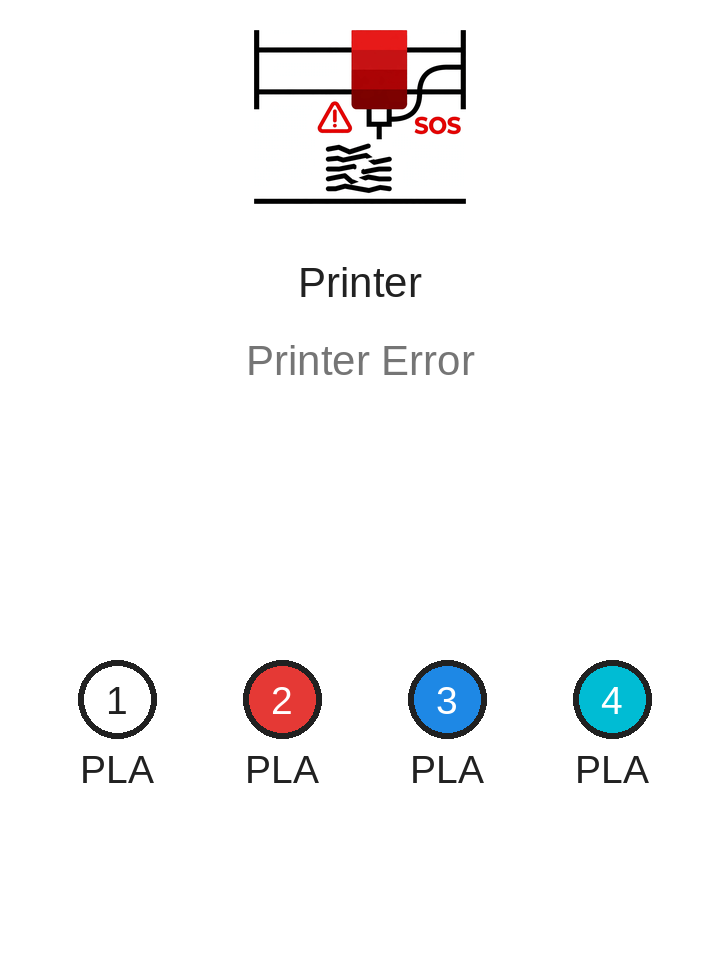
Error
Red alert animation with the printer's error message, so you notice a failed print at a glance.
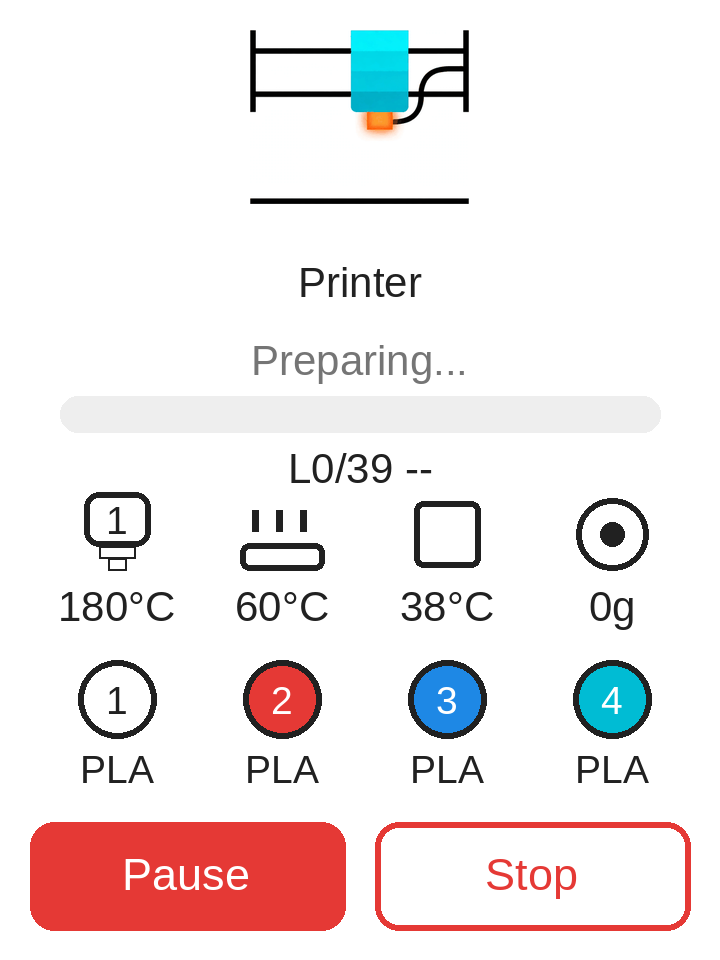
Preparing New in v1.1
Heating animation while the printer warms up the hotend and bed before printing starts.
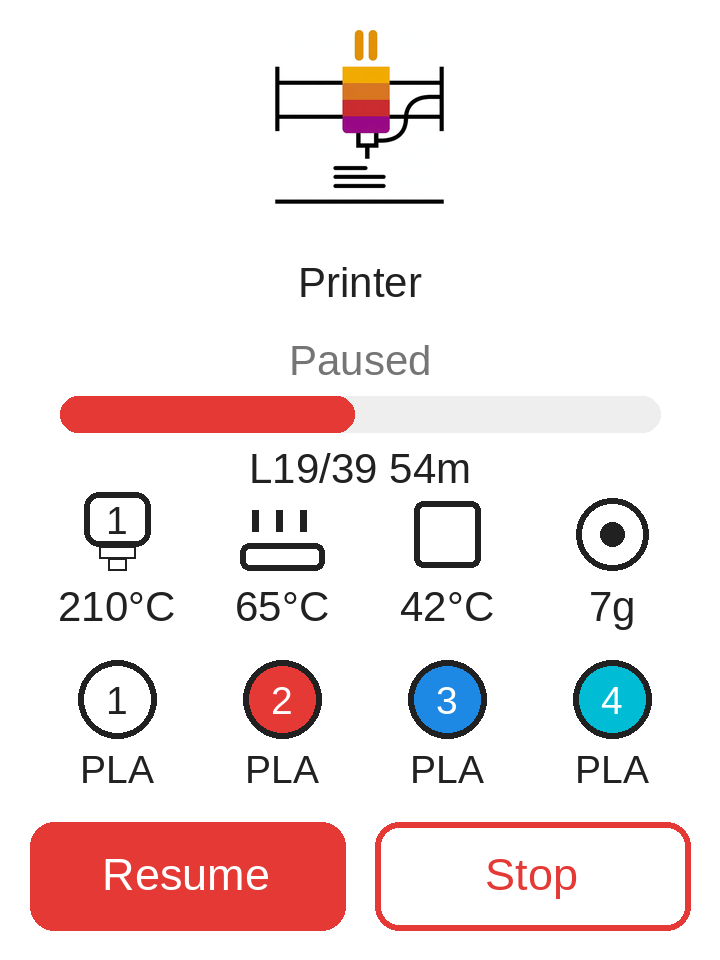
Paused New in v1.1
Dedicated pause animation. Tap Resume to continue (with confirmation).
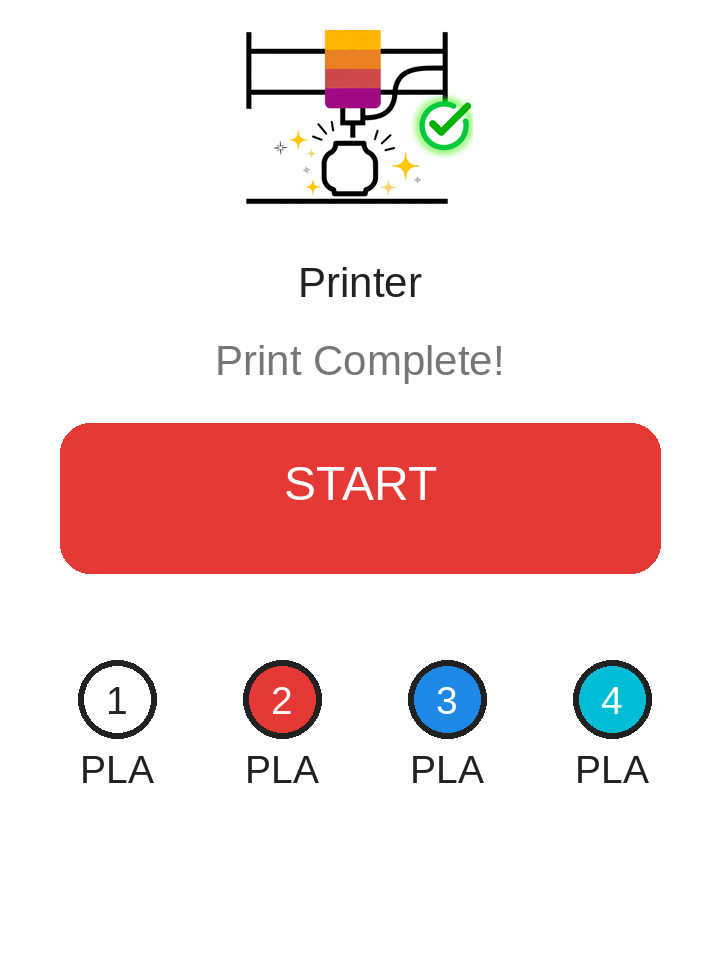
Complete New in v1.1
Celebration animation when a print finishes. Returns to idle automatically after 15 minutes.
Video guide
Watch the full walkthrough — flashing, setup, and printing:
Flash the firmware
- Connect the CYD display to your computer via USB.
- Use Chrome or Edge (WebSerial required).
- Click Install below and pick the display's serial port.
- Wait 1–2 minutes, then let the display reboot.
- After boot, hold BOOT for 8 seconds and touch the two calibration points to calibrate the touchscreen.
min_spiffs partition layout, and skipping the erase can cause a black screen.
Just re-enter your Wi-Fi after flashing.